稻香-周杰伦-pianoman苏阳

更多圖庫 | 發佈留言

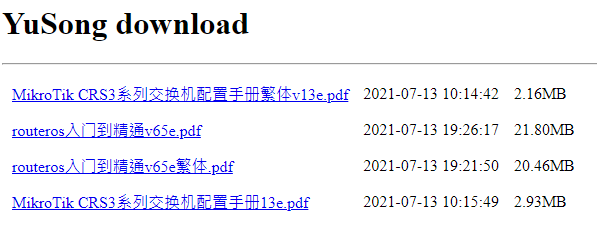
余松老師的RouterOS入門到精通V6.3.xxe PDF

PDF 有 繁體簡體 二種版本

請支持作者,自由贊助

《RouterOS入門到精通》電子版

作者已取消透過購買方式獲取檔案

現在通過直接點擊連結下載檔案

獲取時會彈出付款二維碼,請自由贊助作者即可!

下載網址如下

https://www.irouteros.com/download.php

分類: RouterOS | 1 則留言

限制DNS遞迴查詢

http://forum.mikrotik.com/viewtopic.php?t=77542


/ip firewall filter
add action=drop chain=input comment=”Detect & drop DNS amplification attack.” \
disabled=no dst-port=53 in-interface=WAN  protocol=udp \
src-address-list=BL-dns
add action=add-src-to-address-list address-list=BL-dns address-list-timeout=12h \
chain=input connection-limit=30,32 disabled=no dst-port=53 in-interface=WAN    protocol=udp

上面紅字的部份自行調整

分類: RouterOS | 1 則留言

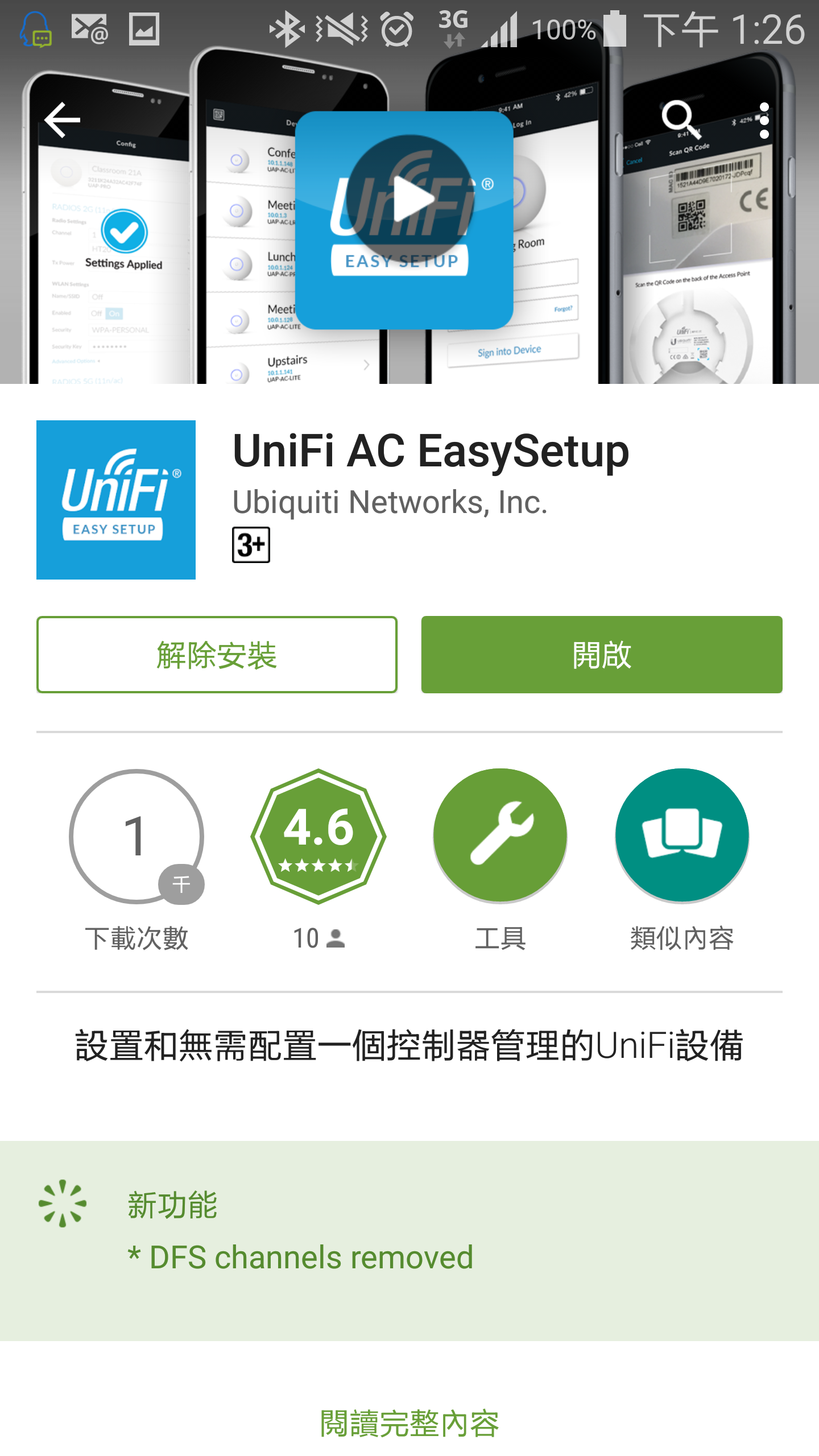
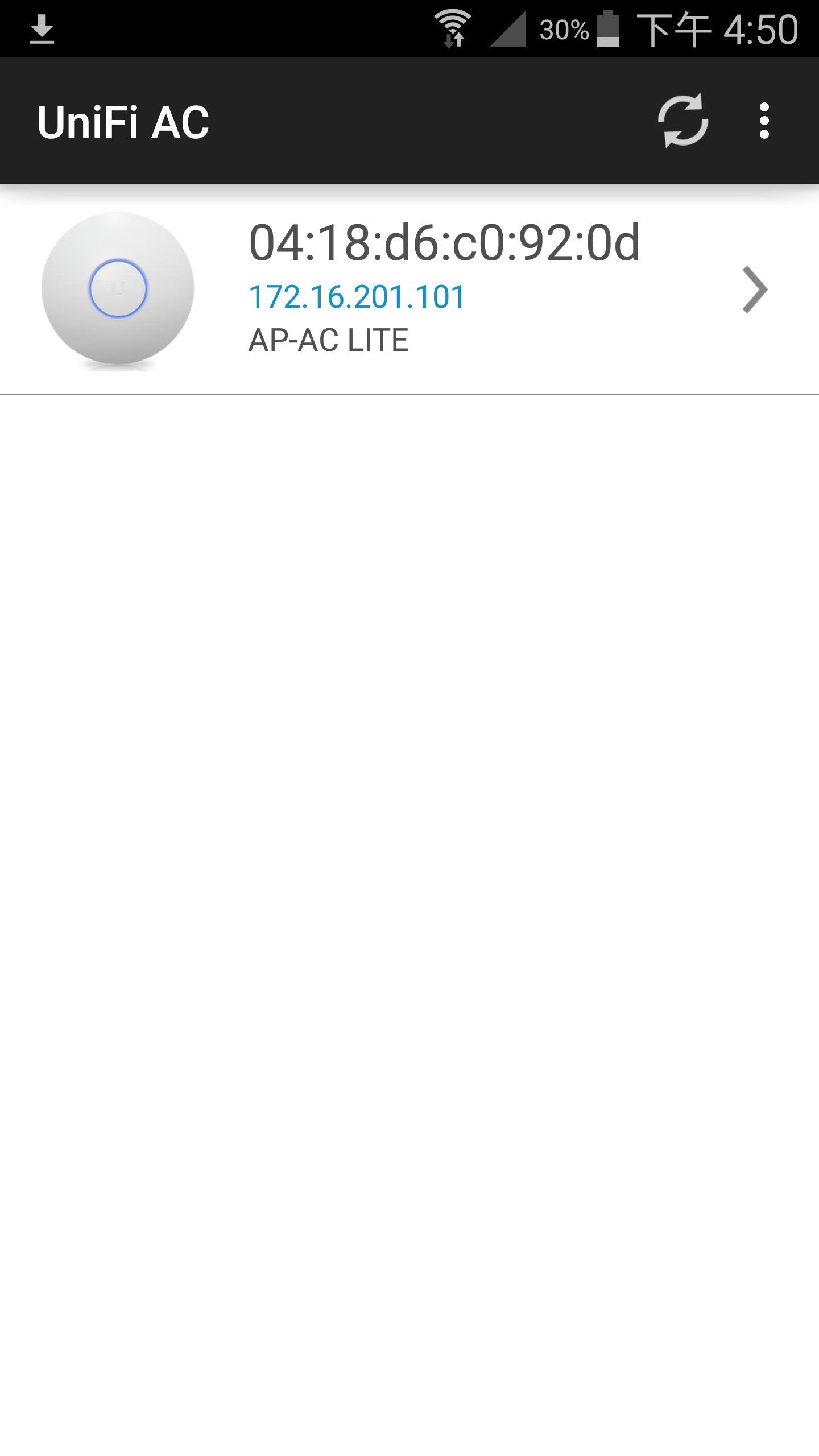
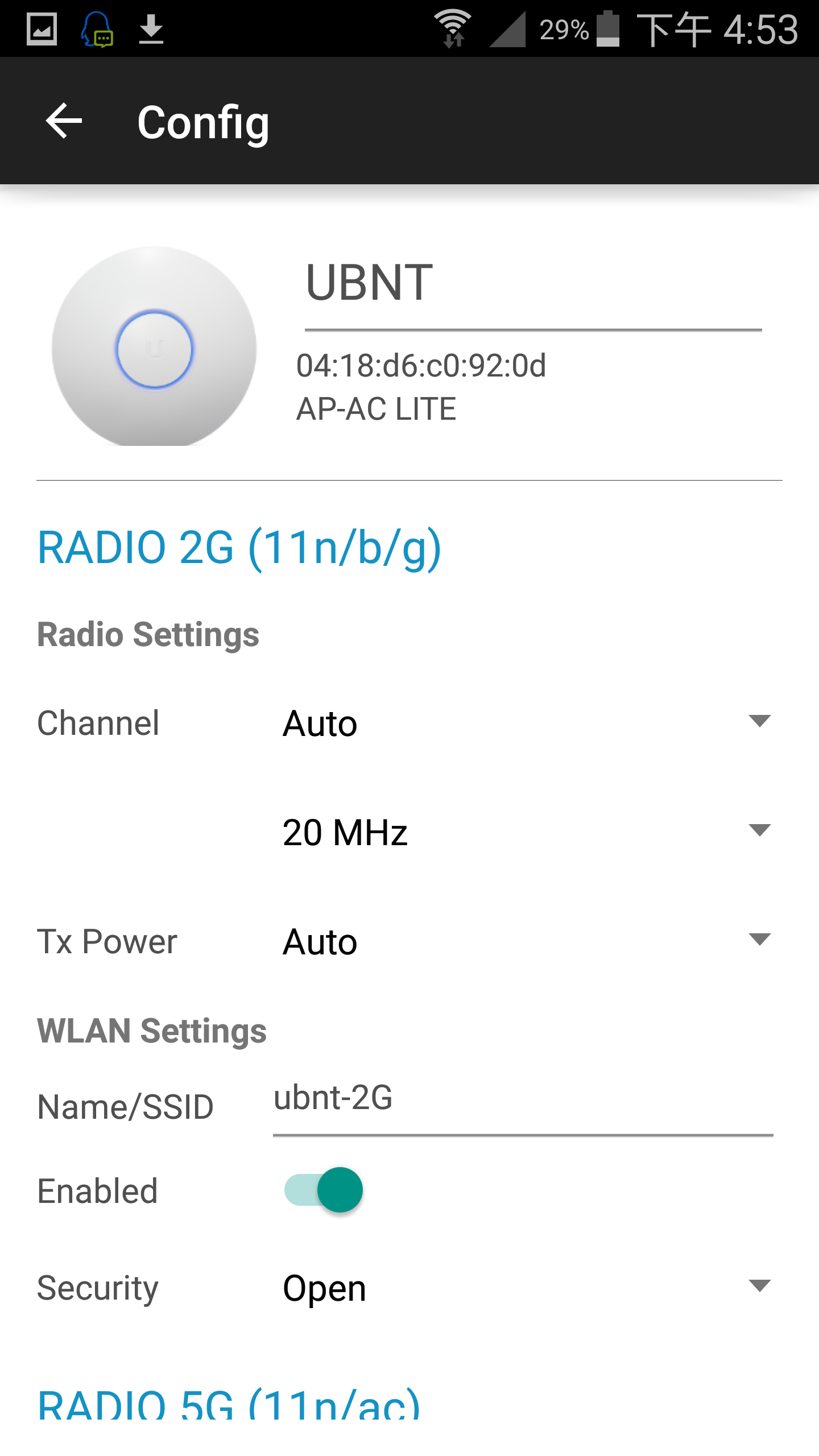
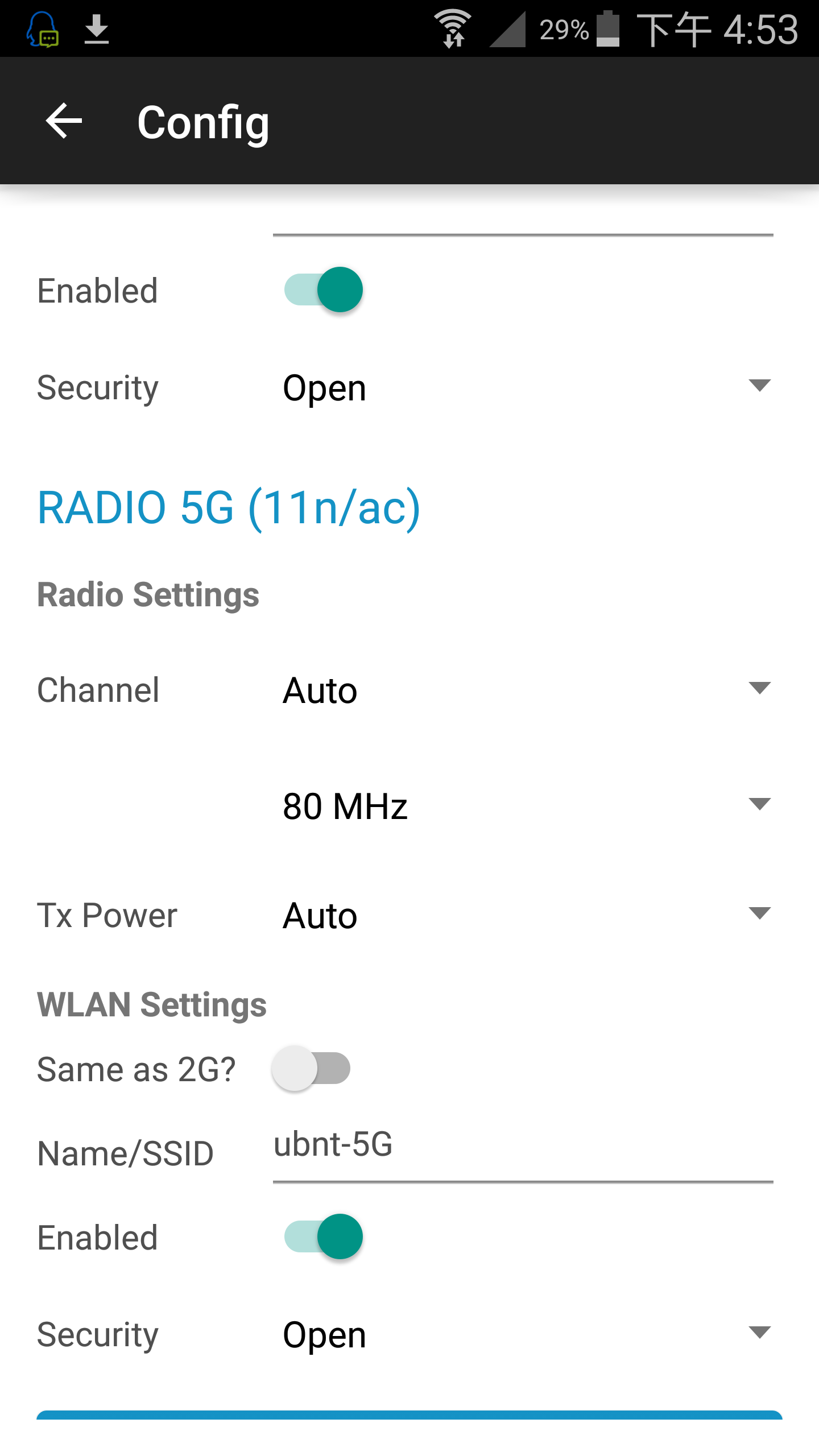
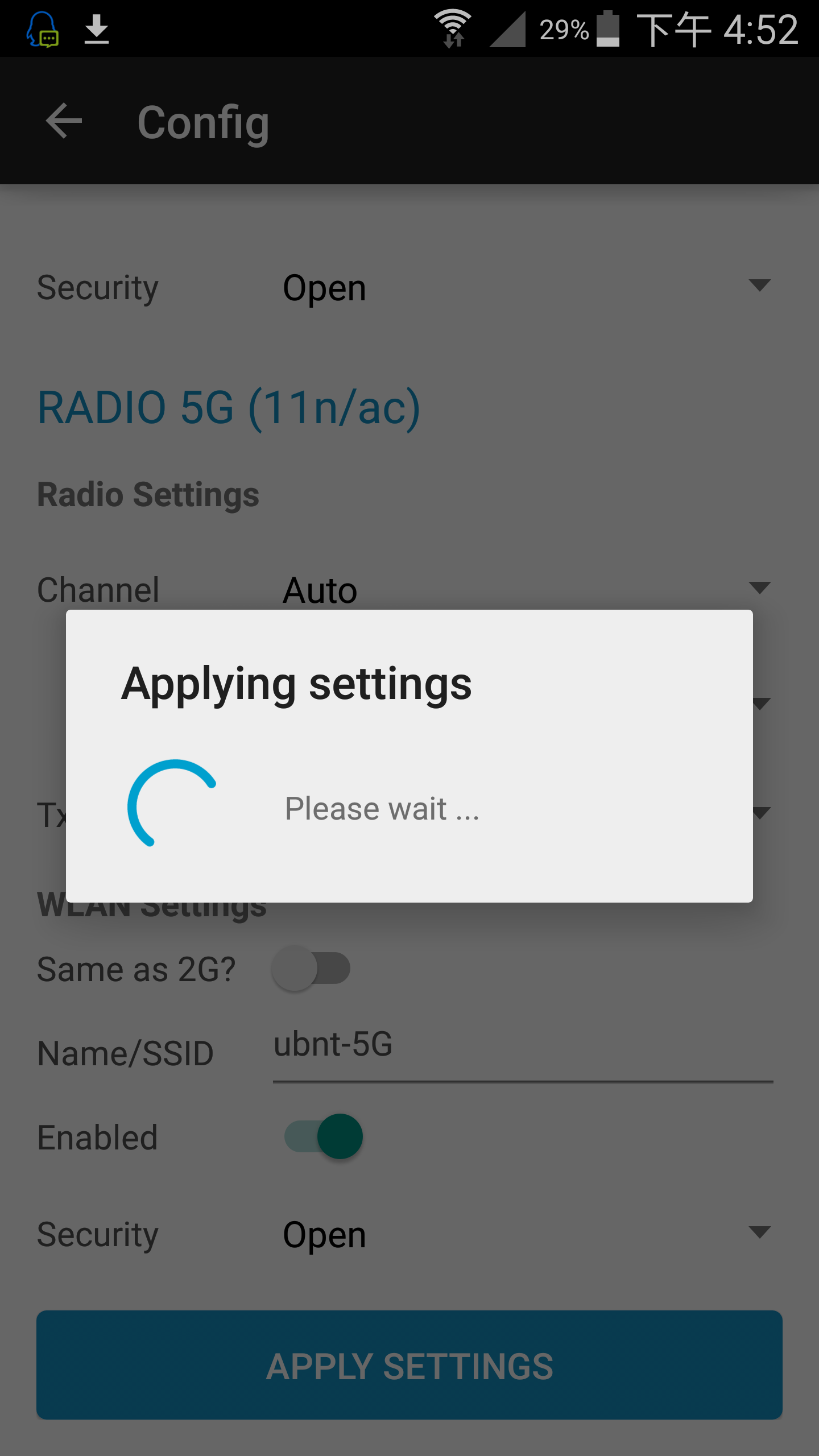
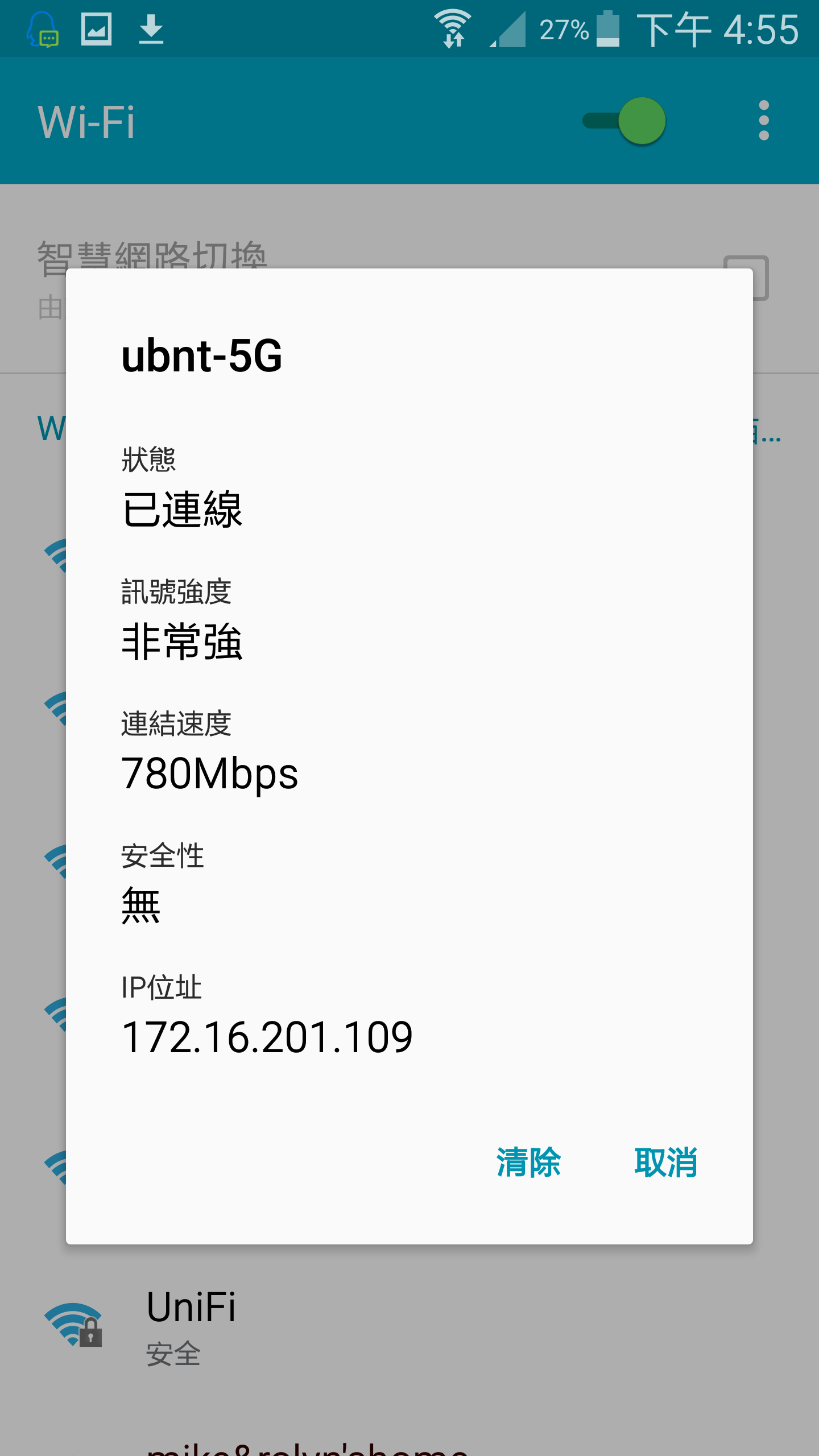
免Unifi AC控制器,手機app軟體配置UAP

UniFi AC EasySetup

這個軟體可由手機直接控制設定UNIFI AP,不需要AC控制器操作.

Google play下載處

软件从本站下載


分類: Ubnt 無線 | 1 則留言

神奇變色龍

分類: VIDEO | 發佈留言

厉害的熊

分類: VIDEO | 發佈留言

WIFI dBm 換算 mW

WIFI dBm 換算 mW

分類: RouterOS, Ubnt 無線 | 1 則留言

變形金剛

分類: VIDEO | 1 則留言

wordpress上傳檔案大小最大限制

service nginx restart

/etc/init.d/php5-fpm restart


[WordPress] 修改上傳檔案大小之限制

wordpress 將上傳檔案的大小限制加大(預設大小為2M)。

步驟:

1.修改目前使用佈景主題的function.php

位置:網站資料夾位置/wp-content/themes/佈景主題名稱/function.php

將下面的code貼到functions.php裡。

@ini_set( ‘upload_max_size’ , ‘100M’ );   //單一檔案大小最大值
@ini_set( ‘post_max_size’, ’100M’);   //表單傳輸的最大值(通常比upload_max_size大)
@ini_set( ‘max_execution_time’, ‘300’ );   //Script執行時間上限(單位:秒)

2.建立或者編輯php.ini

位置:(ubuntu 14) /etc/php5/apache2/php.ini

將下面的code貼到php.ini裡。

upload_max_filesize = 100M
post_max_size = 100M
max_execution_time = 300

備註:若不清楚php.ini在哪裡,可依下述方式查詢–

  1. 在網站資料夾裡新增一個網頁phpinfo.php,網頁內容輸入”<?phppinfo(); ?>”即可。
  2. 瀏覽此網頁,找到Configuration File (php.ini) Path 項目,就可以知道位置。

    phpini

3.編輯.htaccess文件

位置:網站資料夾位置/.htaccess

將下面的code貼到.htaccess裡。

php_value upload_max_filesize 100M
php_value post_max_size 100M
php_value max_execution_time 300
php_value max_input_time 300

分類: RouterOS | 發佈留言

MikroTik 吸頂/附壁二用 室內室外防水 無線路由器(RBwAP2nD)

MikroTik 新款 吸頂/附壁二用 室內室外防水 無線路由器

型號:RBwAP2nD

1.CPU 650MHz。

2.無線支援2.4G 802.11b/g/n。

3.電源為802.3at規格,支援電壓範圍為11 V – 57 V

4.可掛壁可吸頂。

5.戶外可防水。

6.天線增益2dBi,2×2 MIMO 360度天線。

7.一個10/100M網口。(無USB口)

8.RouterOS授權等級4, 可當AP使用。

wAP

The wAP (wall AP) is a small weatherproof wireless access point for your mobile devices, perfect for installation outside your house, in the garden, on your porch or anywhere else where you need wireless access from your phone or computer.

The device has one 10/100 Ethernet port and can be mounted on a wall to provide basic internet access in any location. It looks unobtrusive and sleek, available in two colours – black (RBwAP2nD-BE) and white (RBwAP2nD).

It is waterproof and can be attached to any external wall from the inside of the case – so that it is not easy to detach from it’s mounting location. The bottom door can also be secured with a special screw, which can only be opened by the owner.

It is also possible to run the Ethernet cable directly behind the unit, to inside the wall, there is a special opening on the back of the case. This way, the unit doesn’t attract attention and blends into any environment.

Product specifications

Details
Product code RBwAP2nD
CPU nominal frequency 650 MHz
CPU core count 1
Size of RAM 64 MB
10/100 Ethernet ports 1
10/100/1000 Ethernet ports 0
MiniPCI slots 0
MiniPCI-e slots 0
Wireless chip model QCA9533-BL3A
Wireless standards 802.11b/g/n
Number of USB ports 0
Power Jack 1
PoE in 802.3at
PoE out No
Supported input voltage 11 V – 57 V
Voltage Monitor No
CPU temperature monitor No
PCB temperature monitor No
Operating temperature range -40C to +70C
License level 4
Antenna gain DBI 2
Current Monitor No
CPU QCA9533-BL3A
Max Power consumption 4W
SFP ports 0
SFP+ ports 0
Number of chains 2
Serial port None

Wireless specifications

2.4 GHz
TX RX
1MBit/s 22 -96
11MBit/s 22 -89
6MBit/s 20 -93
54MBit/s 18 -74
MCS0 20 -93
MCS7 16 -71

WiFi 實測效果


配件


分類: RouterOS | 1 則留言