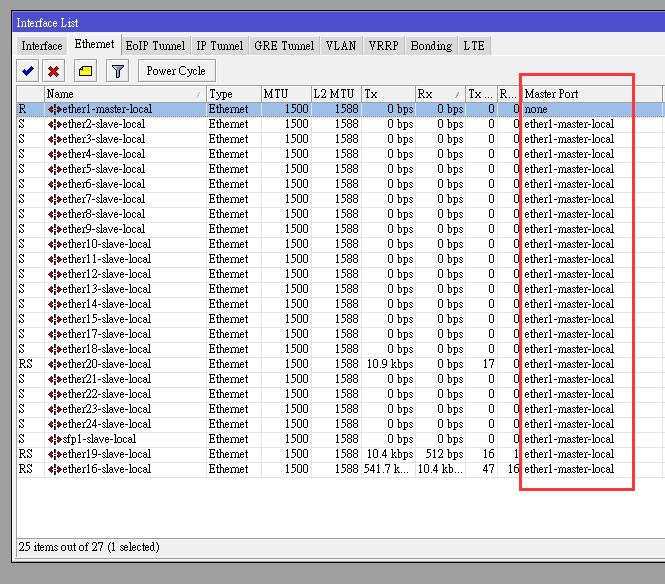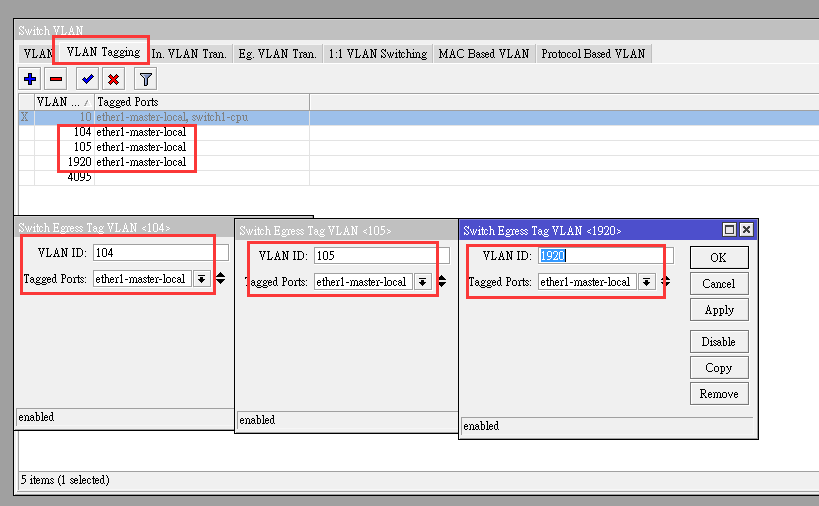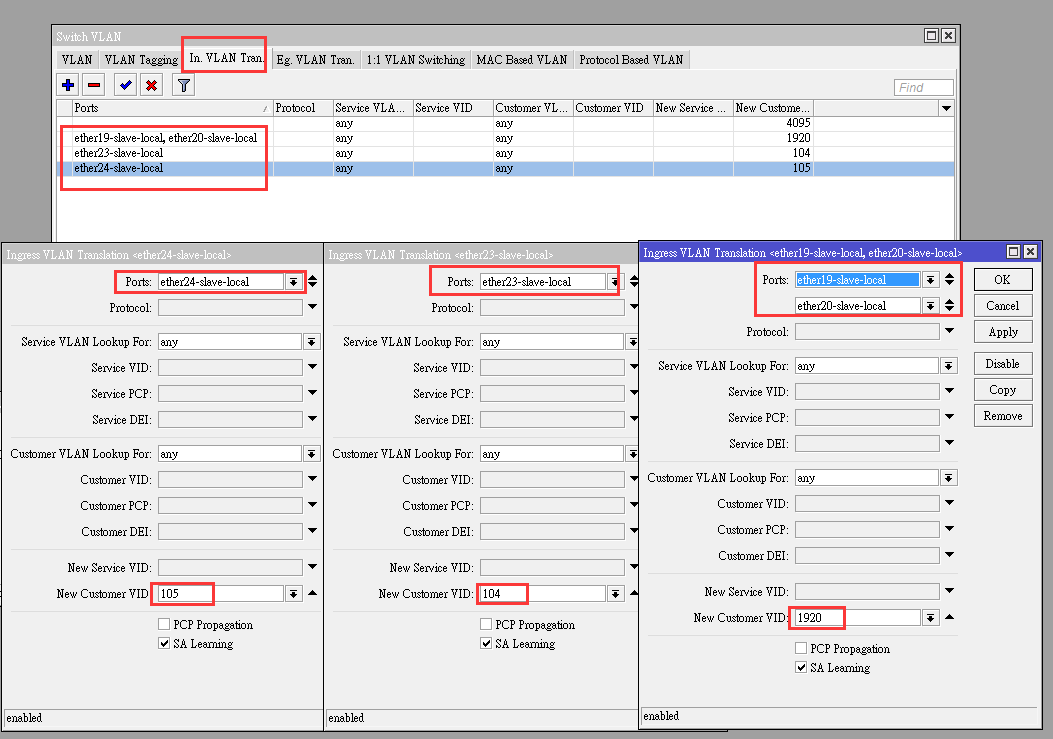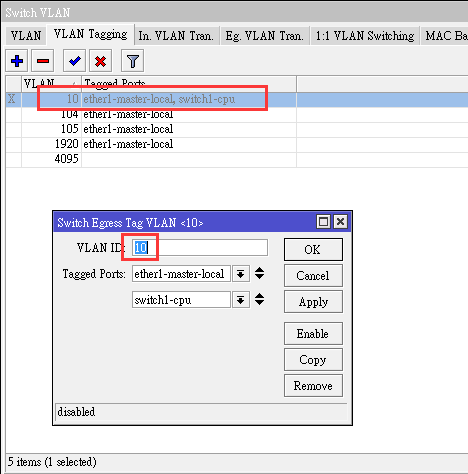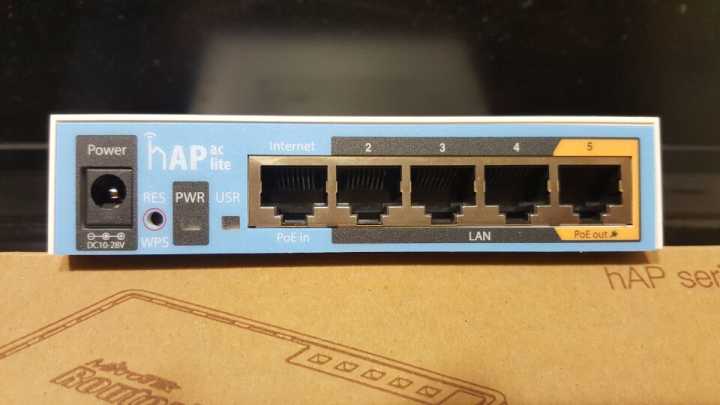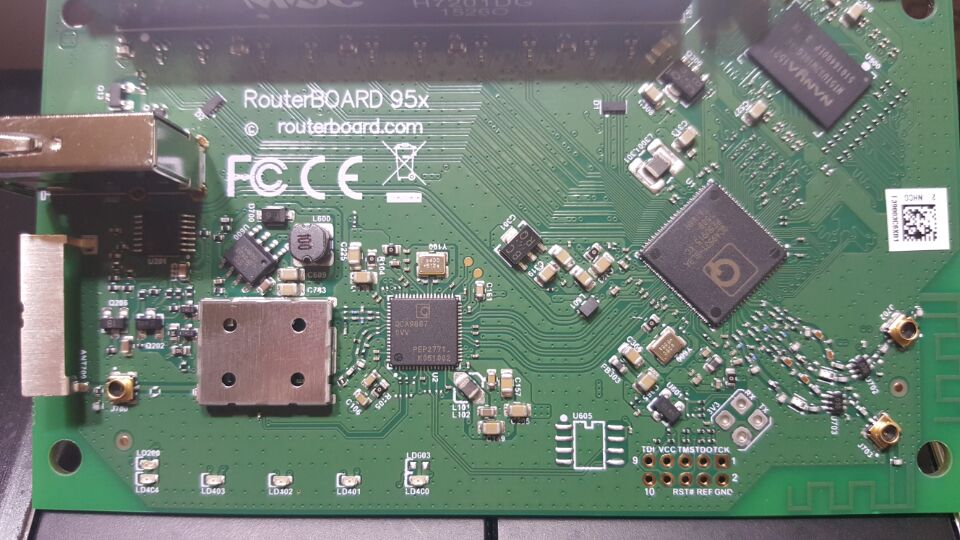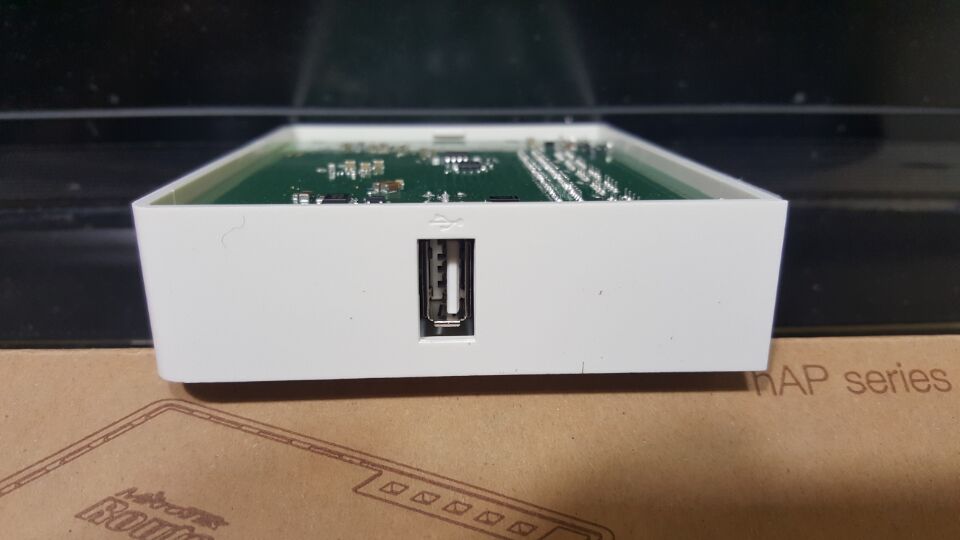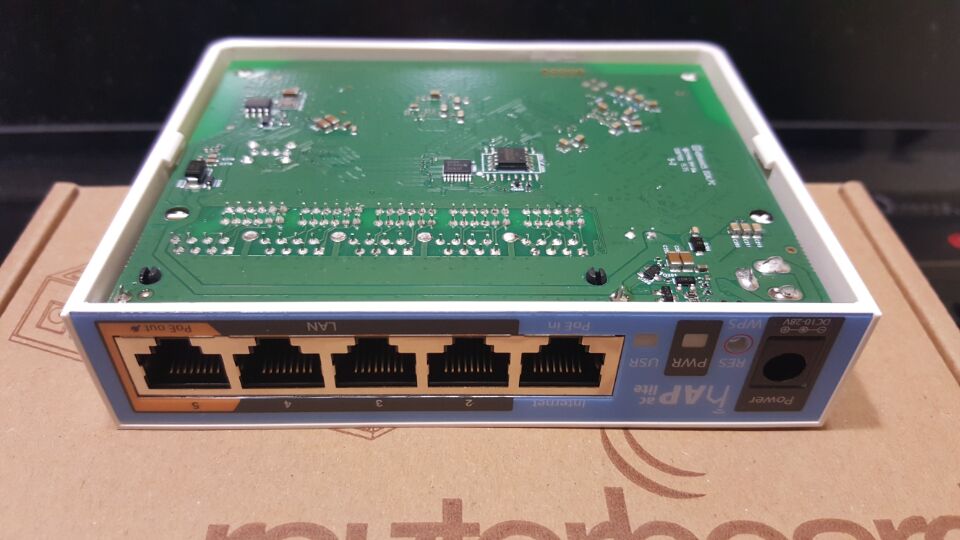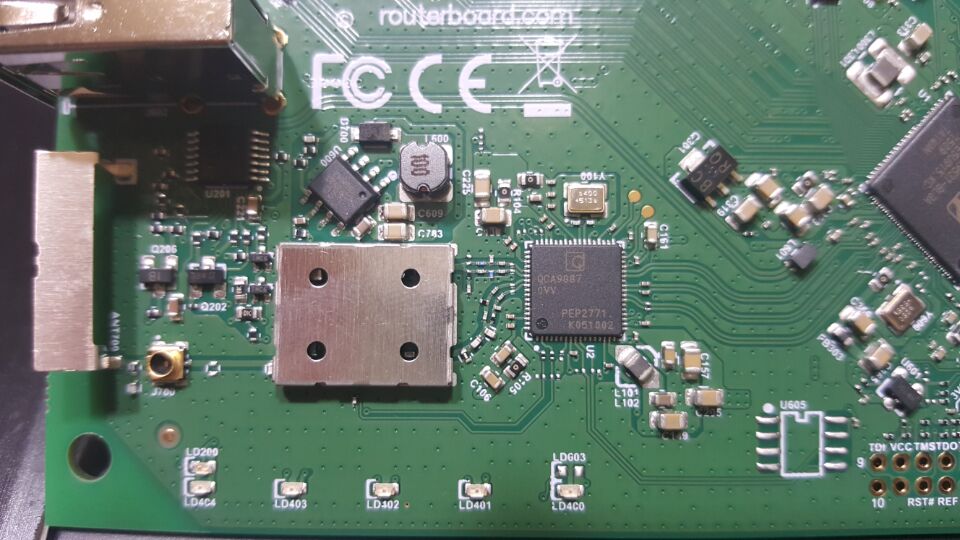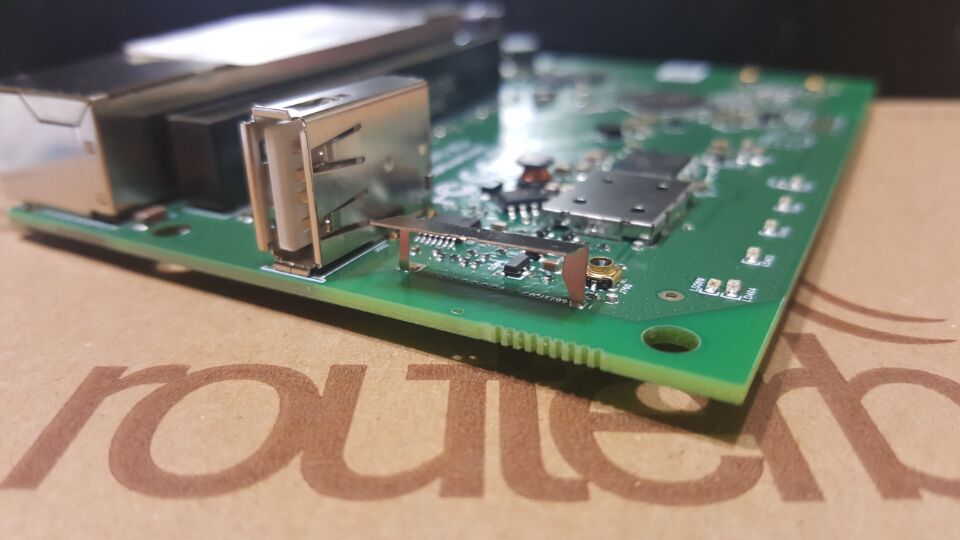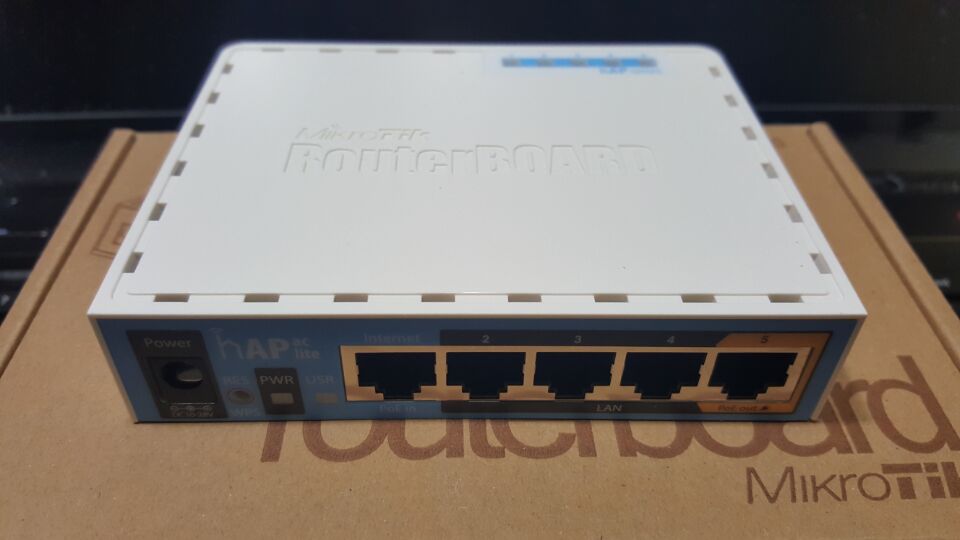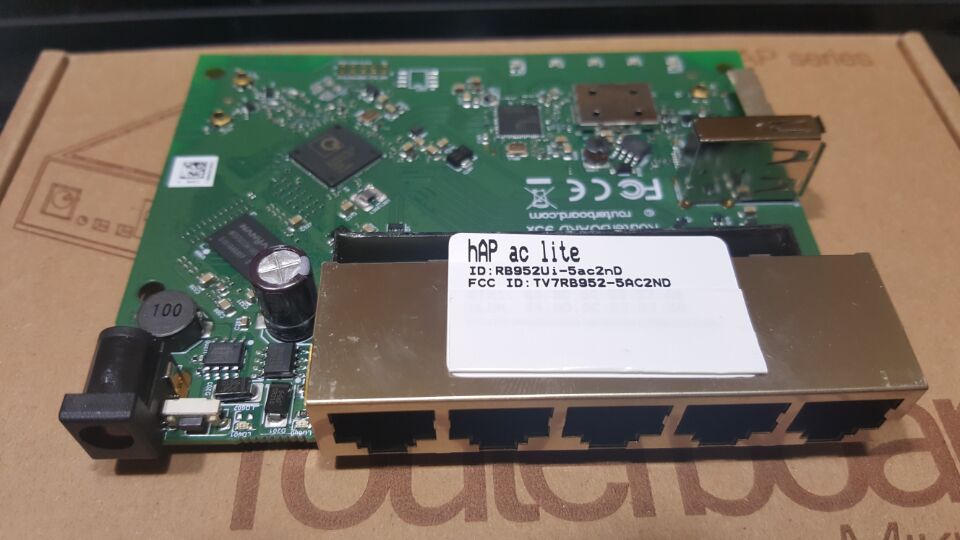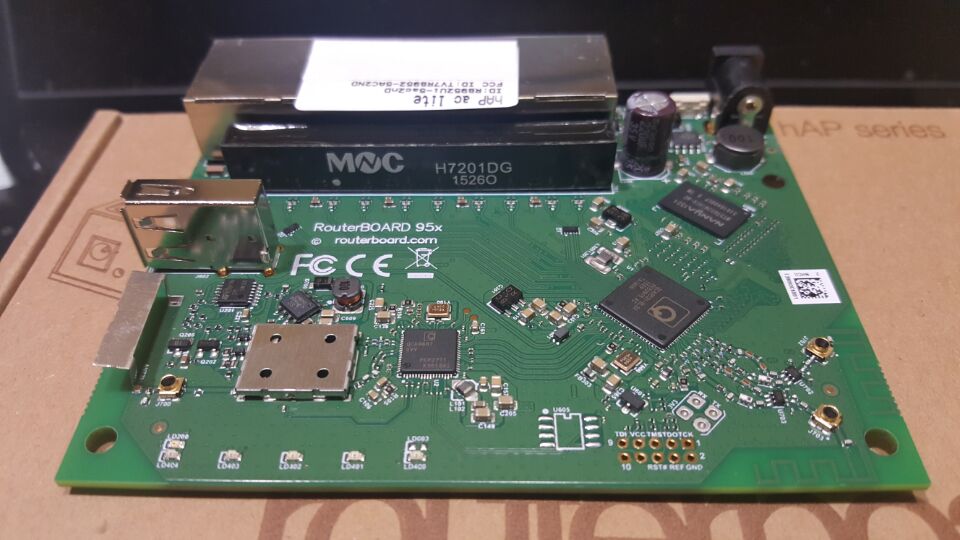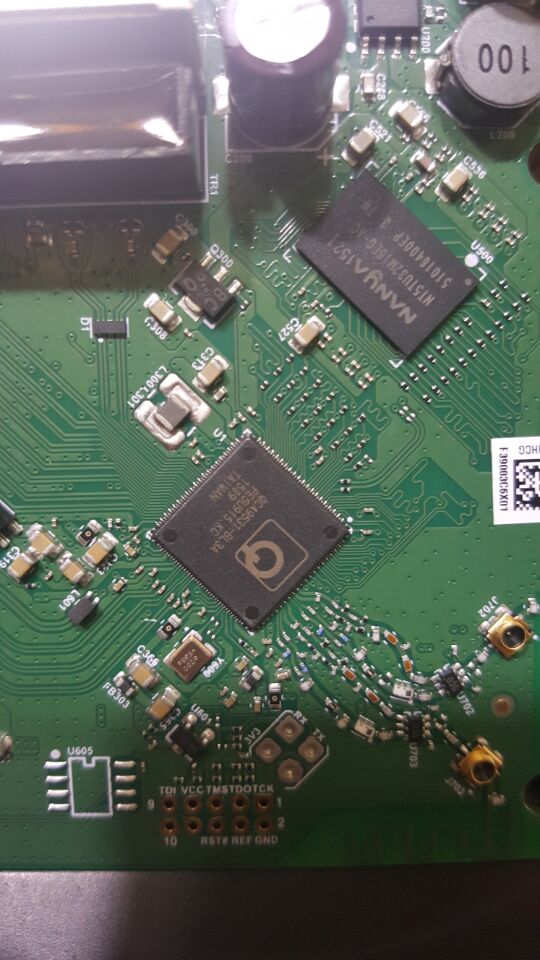
The hAP ac lite is a Dual-concurrent Access Point, that provides Wifi coverage for 2.4GHz and 5GHz frequencies at the same time.
The device is very small and will look good in any home or office, wall mounting anchor holes are provided.
• Dual chain wireless 2.4GHz
• Single chain wireless 5GHz
• 650MHz CPU
• 64MB of RAM
• Five x 10/100Mbps Ethernet ports
• Passive PoE output on port 5
• USB port for 3G/4G modem
The hAP ac lite can be powered from the power jack or with passive PoE from a PoE injector. The power adapter is included. Unit provides PoE output function for port 5 – it can power other PoE capable devices with the same voltage as applied to the unit. Maximum load on the port is 500mA.
The hAP ac lite is preconfigured, so all you need to do, is plug in the internet cable, the power, and start using the internet by connecting to the MikroTik network.
Specifications
CPU nominal frequency: 650 MHz
CPU core count: 1
Size of RAM: 64 MB
Storage type: Flash
Storage size: 16 MB
10/100 Ethernet ports: 5 (網口只有100M)
Wireless bands: 5 GHz radio and 2.4 GHz radio
Operating frequency: 5150 – 5875 MHz and 2412 – 2484 MHz
Protocols 802.11a/n/ac, 802.11b/g/n
Chains: Single-chain – 5ghz, Dual-chain – 2ghz
Antenna gain: 2 dBi and 1.5 dBi
Wireless chip model: QCA9887 and QCA9531
Antenna beam width: 360°
PoE in: Yes
PoE out: Yes (Ether5), 0,5 A
Supported input voltage: 8 V – 30 V (Jack or Passive PoE)
Extras: USB 2.0 Type A full size port, 1 A
Dimensions: 113 x 89 x 28mm
License level: 4
Operating System: RouterOS
CPU: QCA9531
Max Power consumption: 7 W


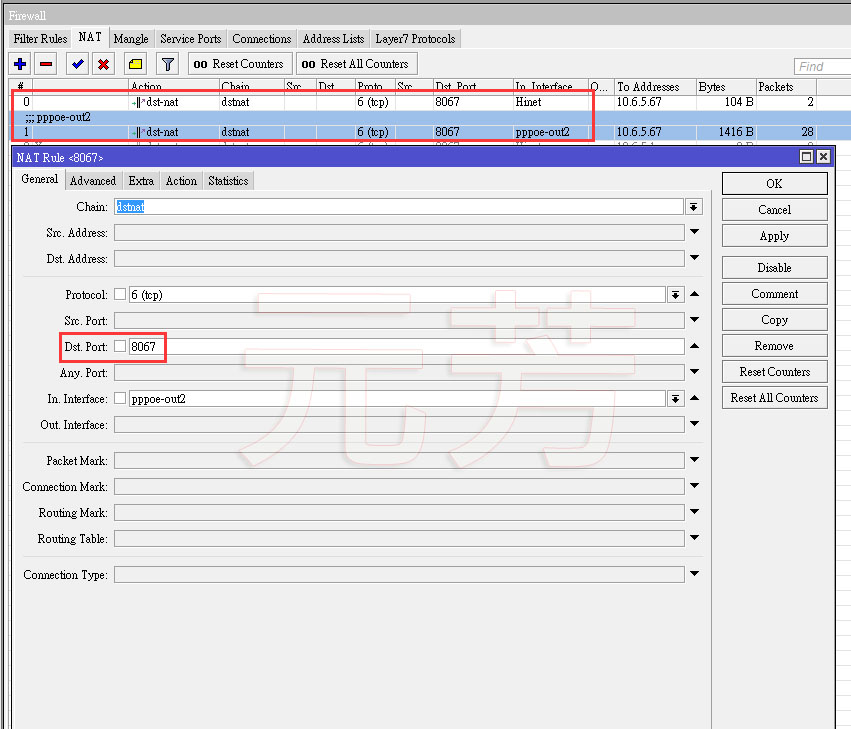
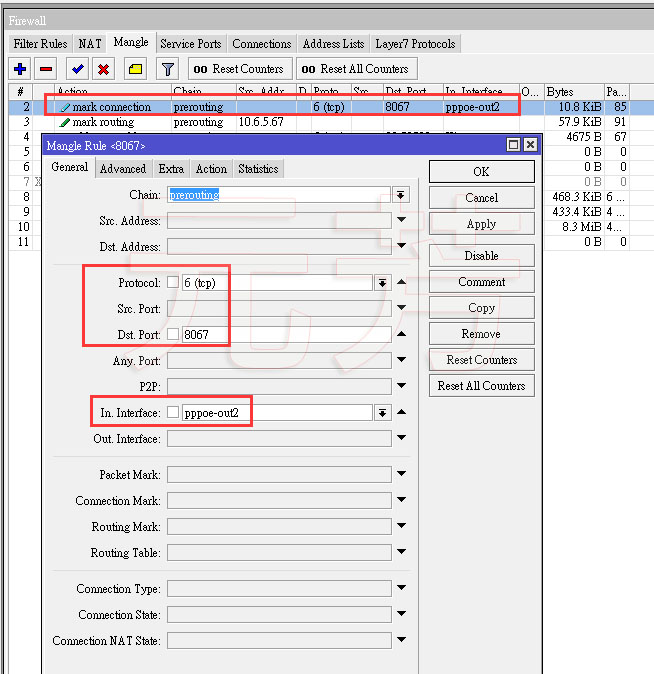
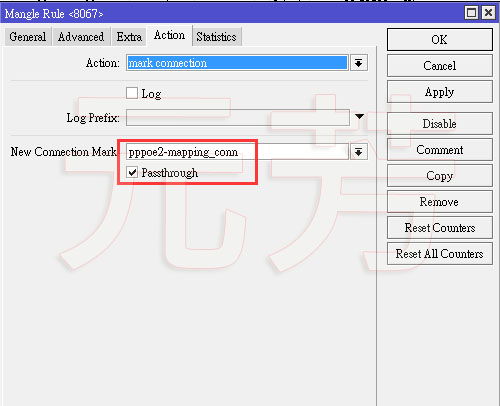
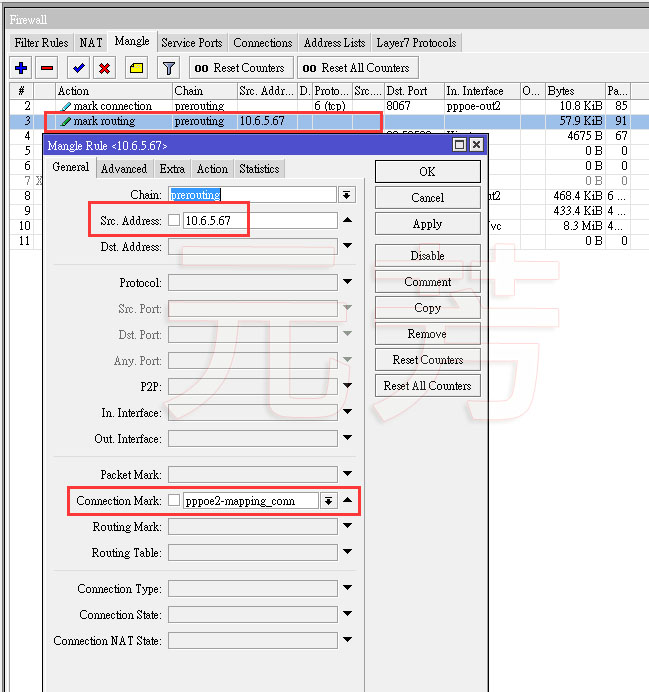
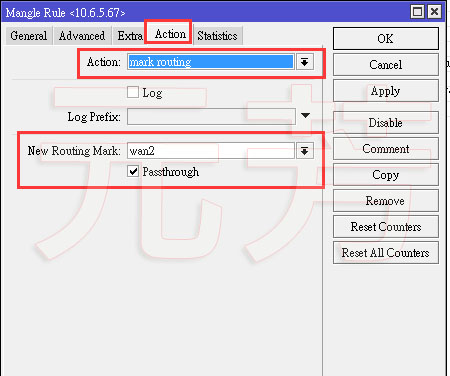
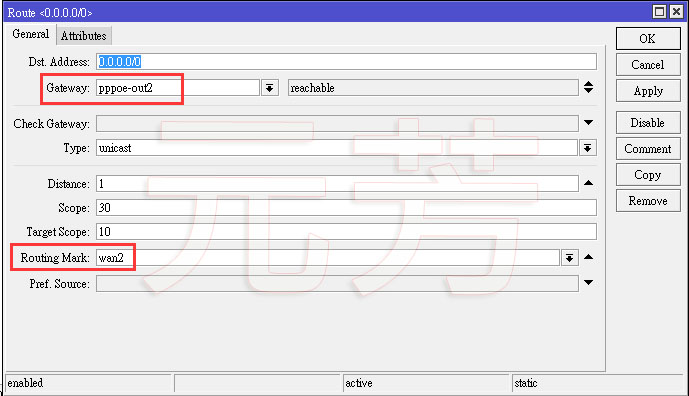
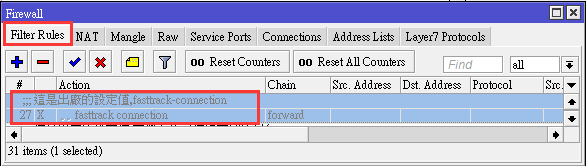
另外,如果防火牆有打開fasttrack-connection這個功能的話,記得把它關閉,否則設定會沒有作用.

https://community.ubnt.com/t5/UniFi-Wireless/Updated-UniFi-Repo-info-APT-howto/td-p/1288883
UniFi Controller APT howto
Add /etc/apt/sources.list.d/100-ubnt.list (or edit /etc/apt/sources.list). The ‘stable’ source is floating. If you wish to stay with a certain release branch, please specify it in the source line (i.e. for UniFi v5 use the ‘unifi5’ source, etc).
## Debian/Ubuntu # stable => unifi4 # deb http://www.ubnt.com/downloads/unifi/debian unifi4 ubiquiti # deb http://www.ubnt.com/downloads/unifi/debian unifi5 ubiquiti deb http://www.ubnt.com/downloads/unifi/debian stable ubiquiti # oldstable => unifi3 # deb http://www.ubnt.com/downloads/unifi/debian unifi3 ubiquiti # deb http://www.ubnt.com/downloads/unifi/debian oldstable ubiquiti
Add /etc/apt/sources.list.d/200-mongo.list (or edit /etc/apt/sources.list):
## Debian deb http://downloads-distro.mongodb.org/repo/debian-sysvinit dist 10gen ## Ubuntu deb http://downloads-distro.mongodb.org/repo/ubuntu-up start dist 10gen
Add the GPG Keys:
# for Ubiquiti sudo apt-key adv --keyserver keyserver.ubuntu.com --recv C0A52C50 # for mongo-10gen [optional] sudo apt-key adv --keyserver keyserver.ubuntu.com --recv 7F0CEB10 # or over HTTP by using hkp://keyserver.ubuntu.com:80
Update, install, and upgrade:
# retrieve the latest package information sudo apt-get update # install/upgrade unifi-controller sudo apt-get install unifi